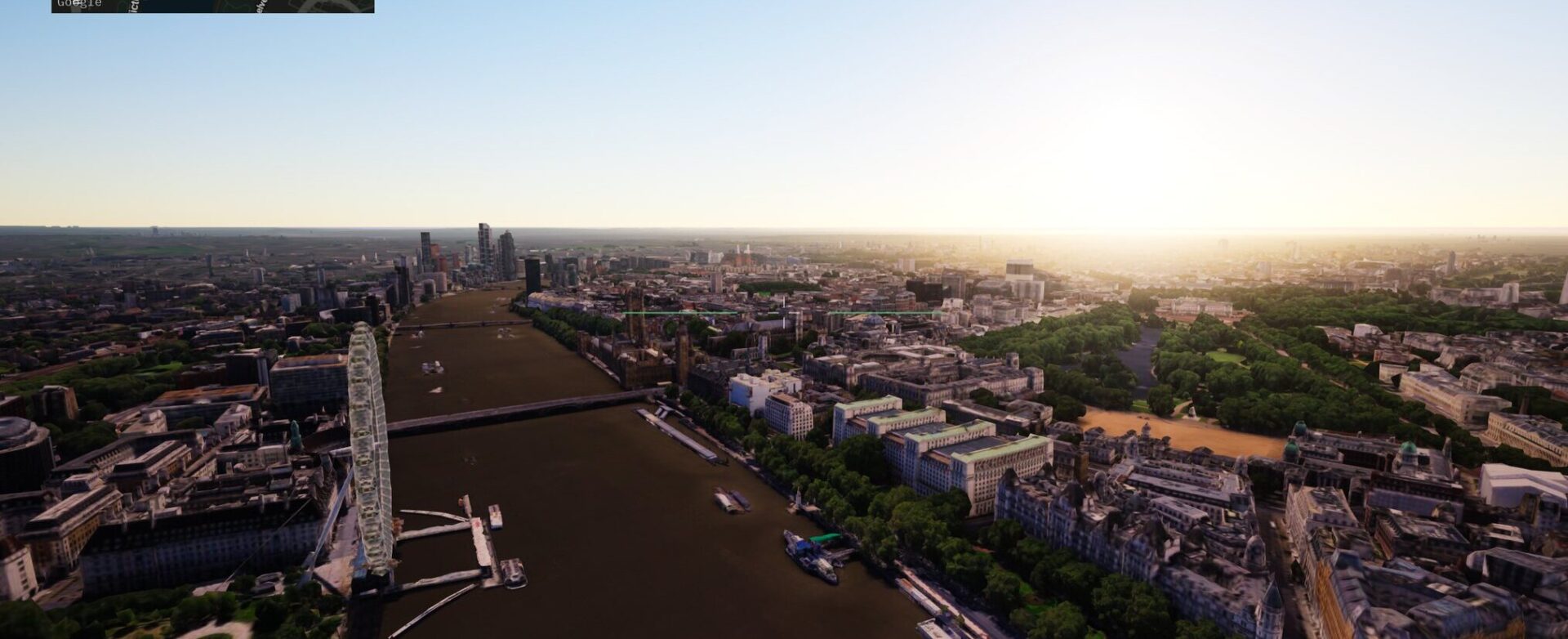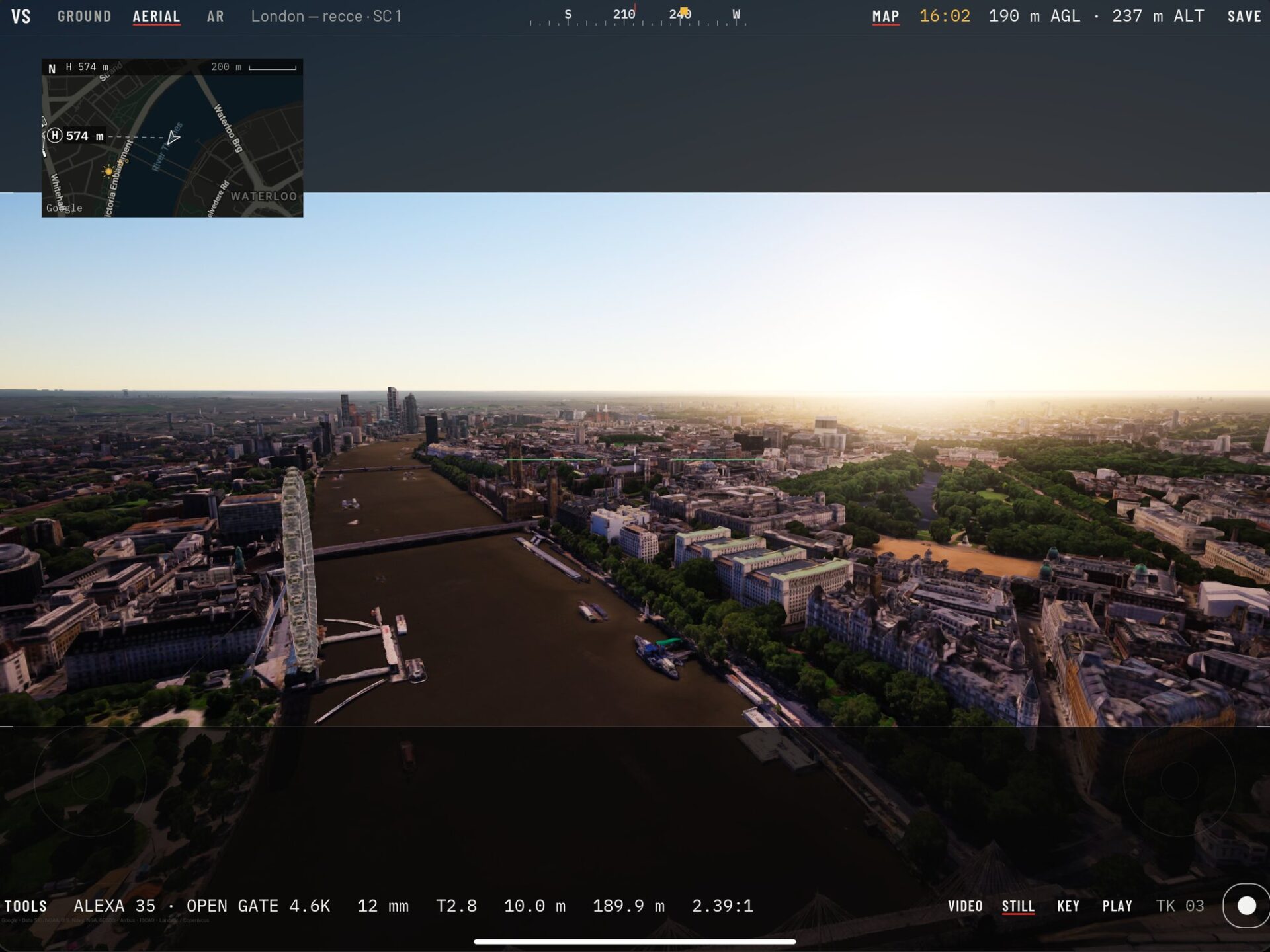
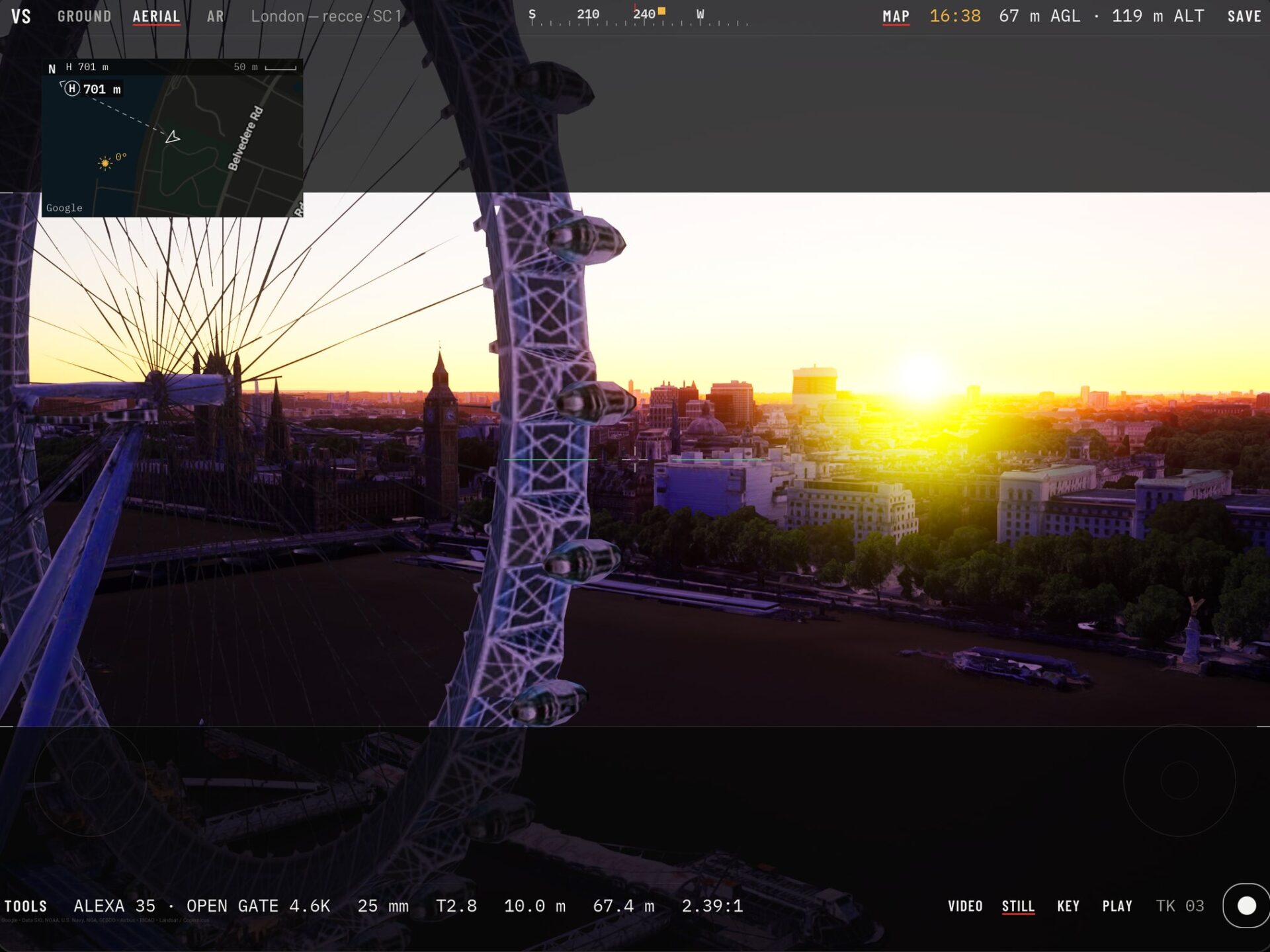
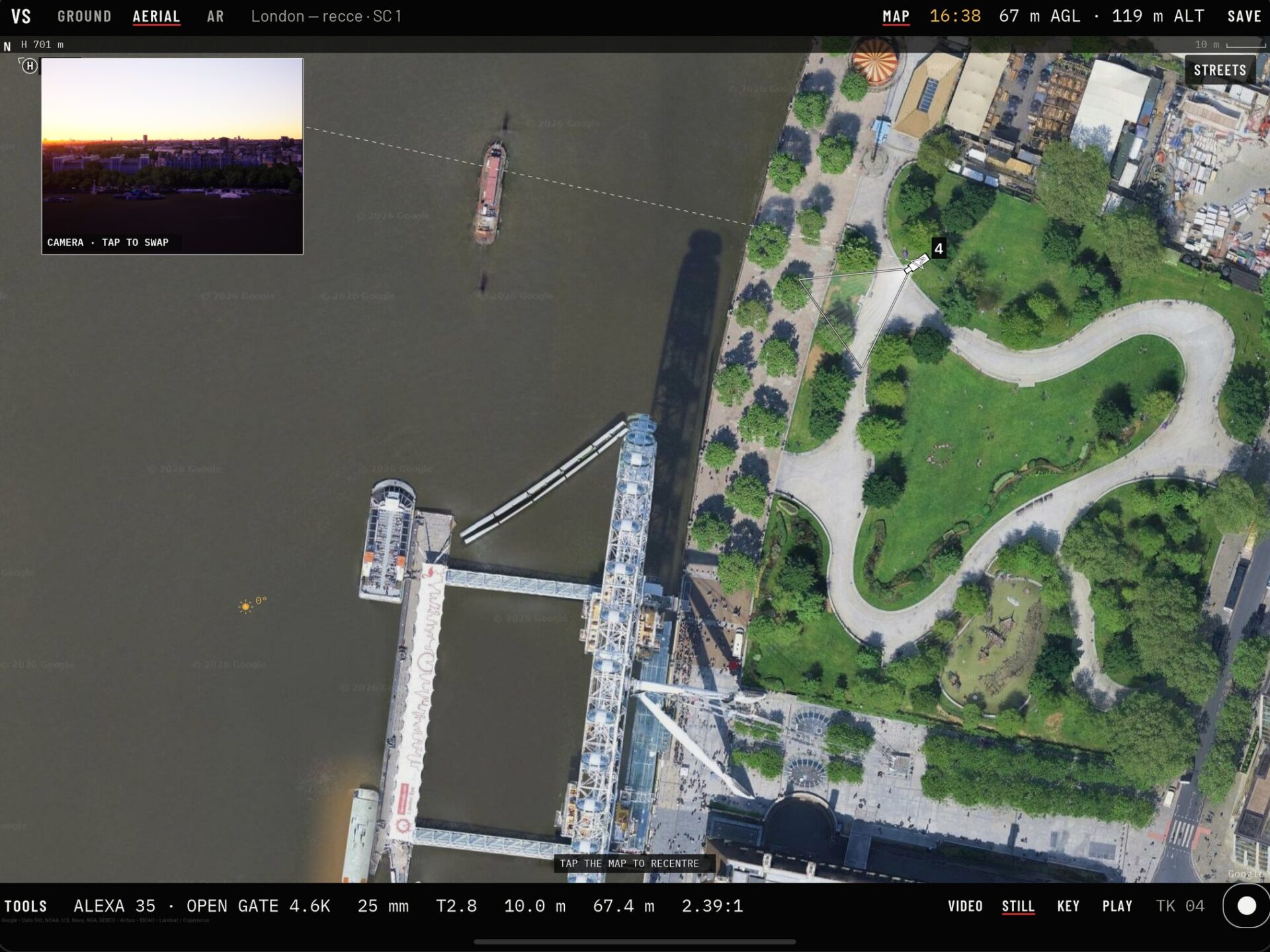
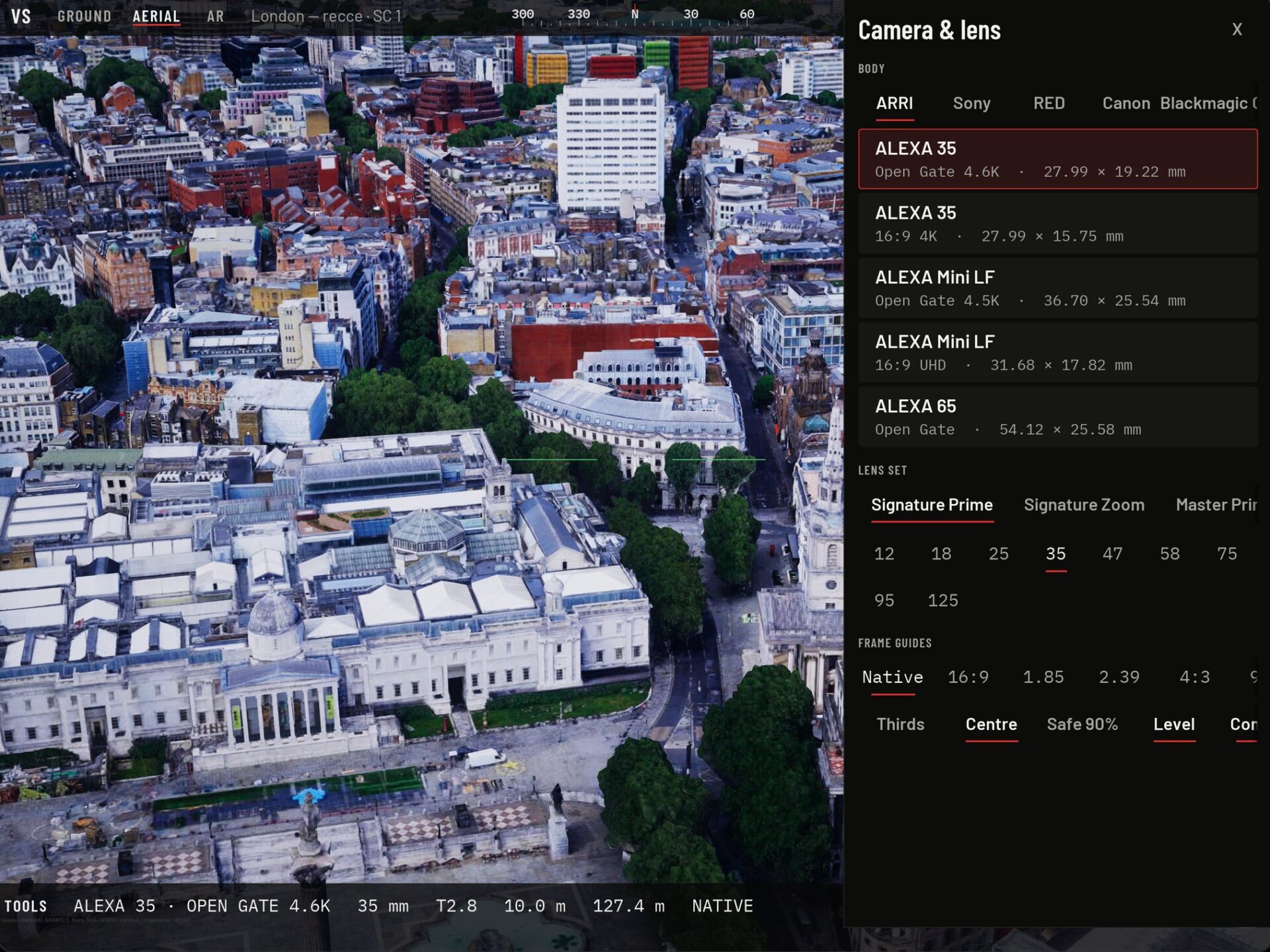
Recorded in VS Scout · Map data ©Google

VS Scout · iPhone + iPad

Virtual recce.Real lenses.Real sun.

Stand anywhere on Earth in photoreal 3D. Look through the camera and lens you'll actually shoot on, and see the light at the exact time you'll be there. It's a recce you can do from the production office, before anyone books a train.

Coming soon to the App Store

  • CoveragePhotoreal 3D, worldwide
  • Film backARRI · Sony · RED · Canon · DJI
  • Solar timeAny date, any hour
  • ModesGround · Aerial · Map · AR
  • OutputStills · Takes · JSON · CSV

Lens check

Will it work on a 35?

This plate was grabbed in VS Scout over Tower Bridge on an ALEXA 35 at 12 mm. Pick a body and a focal length and the frame lines show what you'd get from the same spot. The app does this live, from the real sensor dimensions, for every camera in its list.

Tower Bridge and the Shard from 64 m, rendered in VS Scout
35 mm
Plate · ALEXA 35 OG · 12 mm · 64 m AGL
0°Horizontal FOV
0°Vertical FOV
0 mmFull-frame equiv.
0:1Sensor aspect

Field of view = 2·atan(sensor ÷ 2f). Full-frame equivalent is matched on horizontal width against a 36 mm gate.

How a virtual recce works

Four steps from pin to frame

We built VS Scout because we needed it. Visualskies has spent years scanning sets and locations for film and TV, and the same questions come up on every job. Will the frame work? Where's the sun at 4pm in November? Can the drone get that move? Now you can answer them before you travel.

01 · Location

Pick the spot

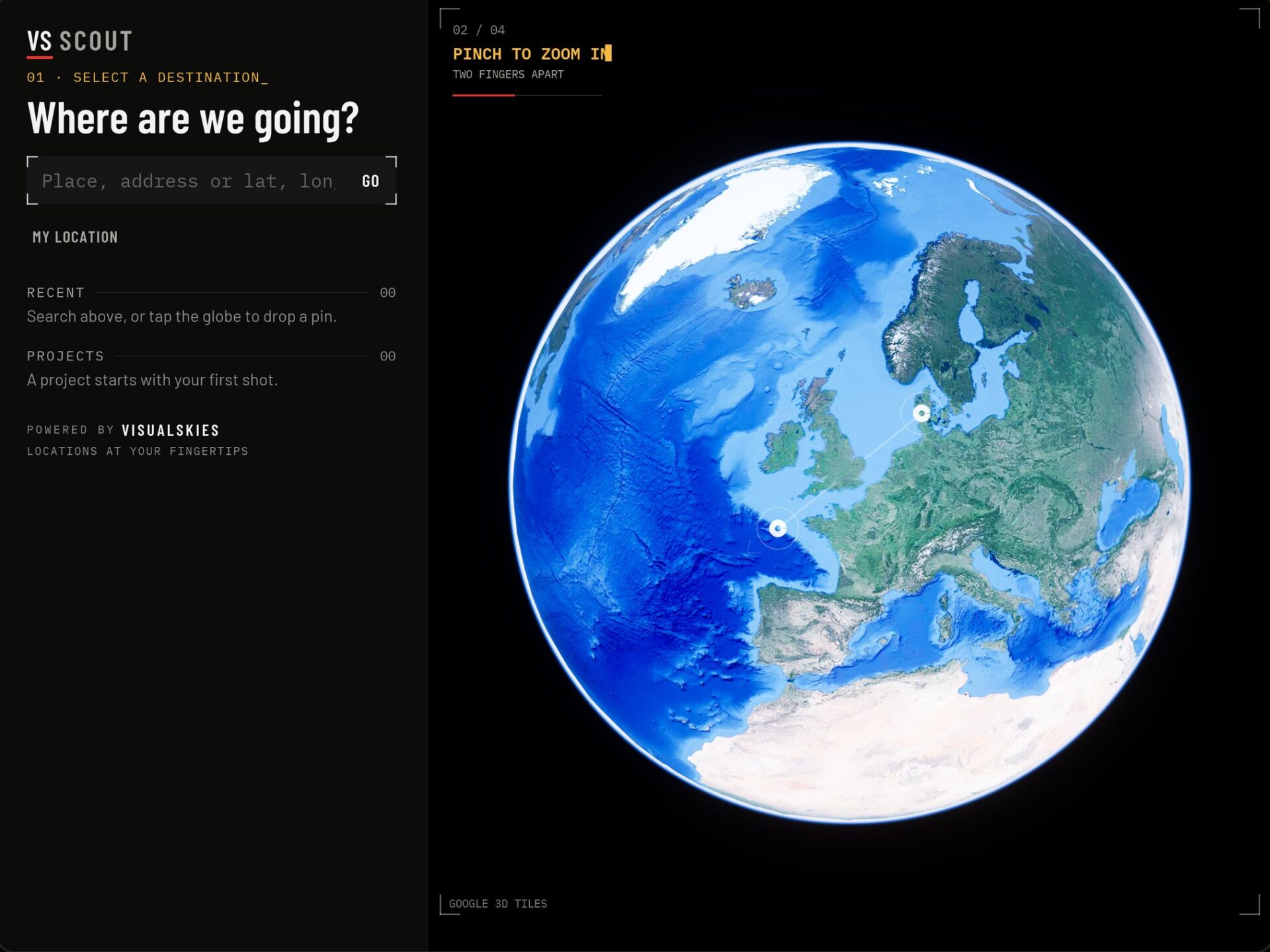
Search an address or drop a pin on the globe, then tap Scout here. Pick up an old project where you left off, or start from where you're standing.

51.50554 N0.07551 WTower Bridge

VS Scout home screen asking where you'd like to go today, with a pin dropped on Tower Bridge
02 · Day

Set the day

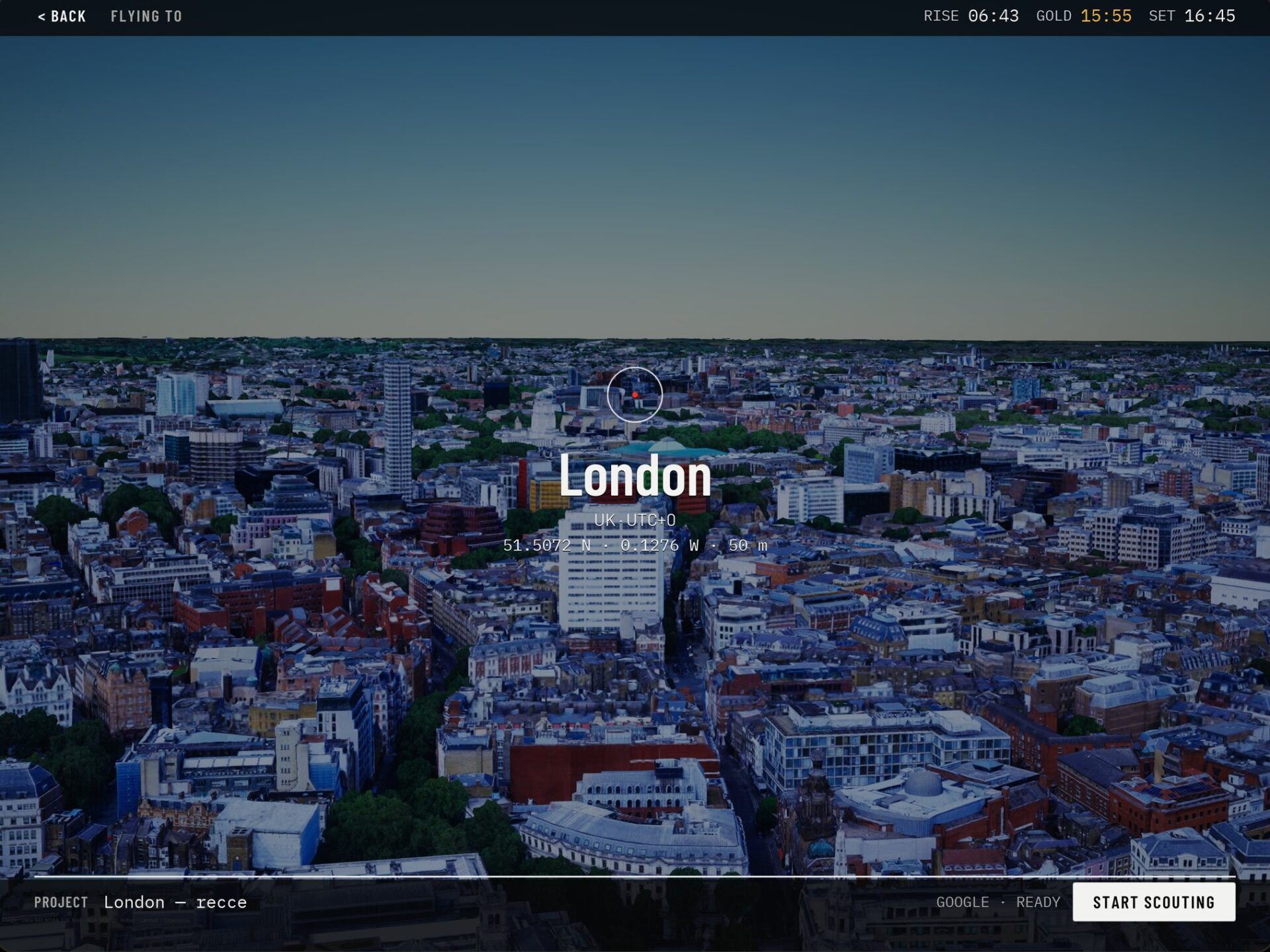
Sunrise, sunset and golden hour for that exact spot come up while the 3D tiles stream in. Dial in any date and time and the sun, shadows and atmosphere follow.

Sunrise 05:56Golden hr 16:55Sunset 17:45

VS Scout flying-to screen with sunrise, sunset and golden hour times while 3D tiles stream
03 · Kit

Choose your kit

Pick the body and sensor mode you're shooting on: ARRI, Sony, RED, Canon, Blackmagic, DJI and more. Field of view comes from the real sensor size, so a 32 on an LF looks like a 32 on an LF.

ALEXA 35 OG 27.99 × 19.22Mini LF OG 36.70 × 25.54

VS Scout camera picker listing ARRI ALEXA 35 and Mini LF sensor modes with dimensions
04 · Shoot

Frame, move, capture

Walk or fly into position with frame lines, compass and height on screen. Set an A and a B, pick a duration and record the move. Every still and take lands in the shot list.

Ground25 mmT2.812 mSun 11:02

VS Scout ground mode framing the City of London skyline at 25 mm with the full camera HUD

What's in the app

Built around how crews prep

The controls take their cues from the tools crews already use on set: a HUD you read at a glance, drone sticks your pilot already knows, and outputs that drop straight into the prep pack.

Frame

Frame it for real

  • Real bodies and lenses, ARRI to DJI, with correct sensor sizes
  • Zooms, prime sets, T-stop, focus and exposure
  • Frame lines and a live HUD: heading, height, focal length
Light

Light it for real

  • Accurate sun position for any date, time and place
  • Atmosphere, fog and volumetric cloud, clear to overcast
  • See where the shadows fall before you arrive
Move

Move like the day

  • Ground, Aerial, Map and AR modes
  • DJI-style Mode 2 sticks, one-finger look, pinch to zoom
  • AR turns your iPad or iPhone into a virtual viewfinder
  • A to B moves: set two marks, pick a duration, record
Share

Capture and share

  • Stills and takes saved straight to Photos
  • Camera metadata baked in, plus a JSON sidecar
  • A shot list per project, exported as CSV
  • Drop in glTF or GLB models, a stand-in or a colour chart

Metadata

Every take carries its own camera report

Stills get EXIF with body, lens, focal length and its 35 mm equivalent, T-stop, focus, GPS position and heading. Video takes carry the same in their QuickTime metadata.

Every shot also writes a JSON sidecar with the sensor, field of view, real height above ground, the sun and the A to B move, ready for previs, VFX or your DIT.

SC1_T03.jsonSidecar
// recce · 51.50554, -0.07551 · SC1 · take 03
{
  "camera": { "body": "ALEXA 35", "mode": "Open Gate 4.6K",
              "sensor_mm": [27.99, 19.22] },
  "lens":   { "focal_mm": 25, "t_stop": 2.8,
              "focus_m": 10.0, "hfov_deg": 58.5 },
  "position": { "lat": 51.50554, "lon": -0.07551,
              "agl_m": 12.0, "heading_deg": 330 },
  "sun":    { "solar_time": "11:02" },
  "move":   { "type": "A-B", "duration_s": 6.0 }
}

Who it's for

One recce, the whole department

Everyone who used to wait for the tech recce can make their call first.

Directors

Find the frame and share it with the team before the tech recce.

DoPs

Check lens choice and sun angle for the actual shoot day and call time.

Location managers

Shortlist locations remotely and send framed stills with the pitch.

Drone pilots

Plan heights, headings and moves with familiar Mode 2 sticks.

From virtual recce to real capture

Scout it here. Scan it with us.

Google's photoreal 3D is brilliant for scouting, but it isn't a scan. When you need millimetre-accurate geometry of a set, a street or a building, that's what the rest of Visualskies does.

VS Scout imports glTF and GLB, so you can drop a scanned set piece, a previs asset or a Create deliverable into the real location and see how it sits. It's part of our Create work: the tools and real-time pipelines we build on top of scan data. Or start with a LiDAR, photogrammetry or cyber scan.

FAQ

VS Scout questions

Which devices does VS Scout run on?

iPhone and iPad. AR mode uses the rear camera and motion sensors, so it works best on a recent device.

Do I need an account?

No. There's no login, no sign-up and no analytics. Your projects and shot lists stay on your device.

Does it work offline?

You need an internet connection to stream the 3D map tiles. Once you've captured stills and takes, they're saved locally to Photos.

Where does the 3D map come from?

Google Photorealistic 3D Tiles, the same data behind Google Earth's 3D view. Coverage and detail vary by location: most cities are excellent, rural areas less so.

Can I bring in my own models?

Yes. VS Scout imports glTF and GLB files, including scans, so you can place set builds or props into the real location.

What happens to my data?

Nothing leaves your device except the standard map-tile requests to Google. The full detail is in the VS Scout privacy policy.

LOCATIONS AT YOUR FINGERTIPS

Map data ©Google© 2026 Visualskies Ltd · London